Quick answer: Treat a feeder camera as an observation tool, not an automatic identification authority. Place it so the feeder is stable and the view includes the bird’s whole body, use light that does not startle visitors, record date and location, and label uncertain clips as uncertain.
Set the camera after fixing the feeder
The feeder should be safe and clean before a camera is added. A camera does not improve poor placement, moldy seed, unstable mounting, or a window-collision route. Start with Where to Place a Bird Feeder and How to Clean a Bird Feeder.
Keep the lens far enough from the feeding ports that birds can land normally. Avoid a mount that blocks the approach, creates a sharp edge, or can fall into the feeding area. Check the view in the morning and late afternoon; glare can hide color and face markings.
Before fixing the mount permanently, save a short sample in daylight. Can you see the bill, wing, tail, and entire bird, or only a face filling the frame? Move the camera or adjust the angle before increasing sensitivity or buying an accessory. Keep the Bird Feeder Cameras topic open for broader questions about storage and subscriptions.
Record context with every useful clip
Save the date, approximate time, location, weather, and feeder type with the clip. The same bird can look different in warm light, shade, rain, or motion blur. A short note about nearby habitat can be more useful than a confident label generated from one frame.
If you share a clip, avoid including private neighboring windows, license plates, voices, or identifiable people. Use the camera’s privacy settings and crop responsibly.
Decide what to save before filling the storage
Storage is model-specific: a device may use a removable card, a cloud account, both, or neither for saved clips. Before choosing one, check the manufacturer’s current documentation for where recordings are stored, whether recording requires a paid plan, how long clips remain available, and whether you can export or delete them. Also check power and Wi-Fi requirements, app updates, and what happens when the connection fails. Do not assume a live view means clips are saved. For an observation log, save a few useful clips with a date and location rather than every motion alert. Check that the camera clock and time zone are correct, and leave a label as “unconfirmed” when the footage is too brief for an identification.
Device and privacy questions to answer first
Use the manufacturer’s current documentation for these questions; this guide does not assume that any model has a particular feature.
| Question | Why it matters |
|---|---|
| Where are clips stored, and can you export or delete them? | Storage location and retention affect privacy and how useful an observation log will be |
| Does recording or a useful history require a paid plan? | A live view is not proof that clips are retained |
| What does the camera capture beyond the feeder? | Neighboring windows, voices, people, and license plates may need a different angle or privacy setting |
| What happens during a Wi-Fi or power failure? | An observation plan should not treat missing footage as proof that no bird visited |
Identify with several field marks
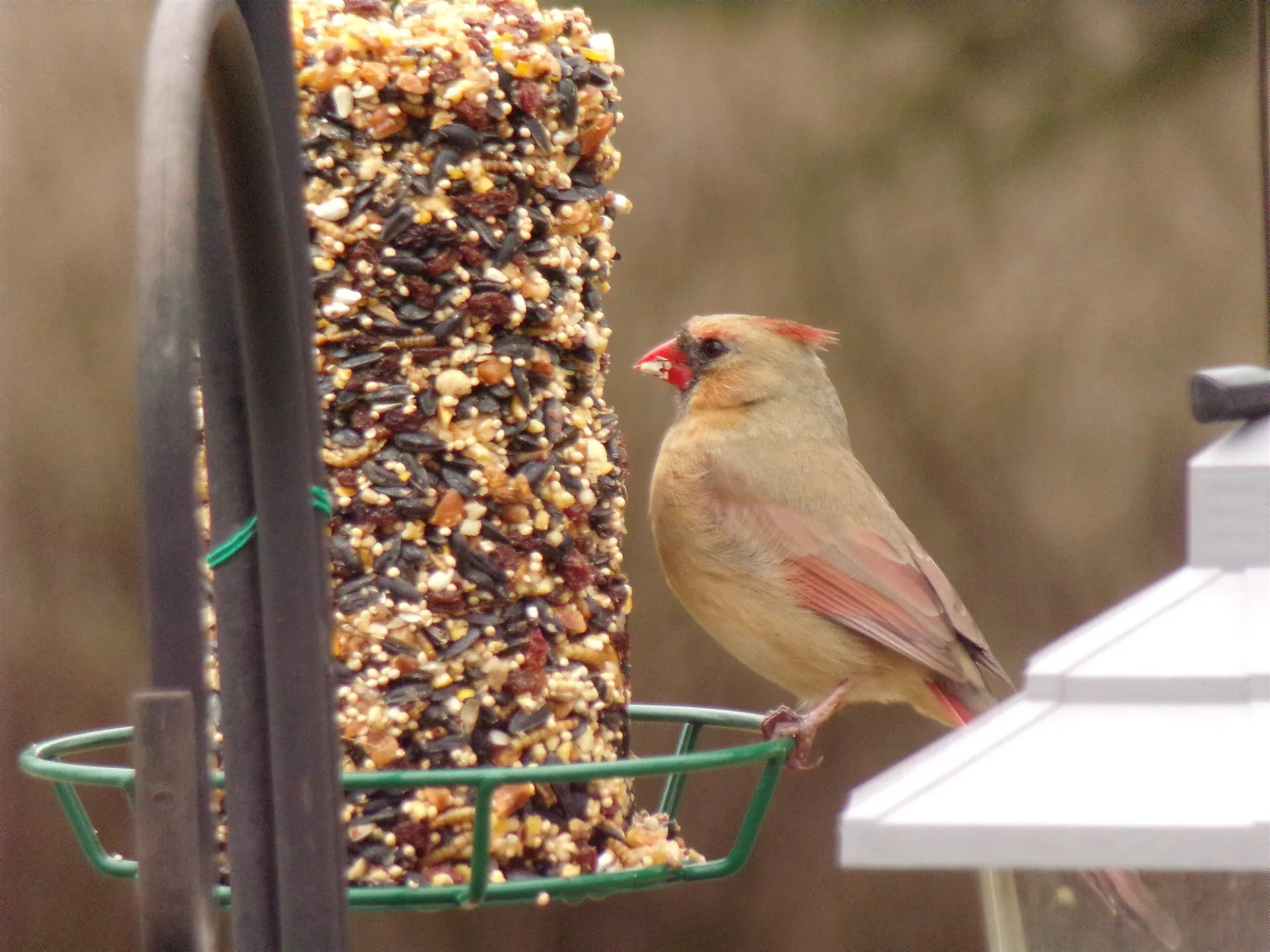
Pause the clip and look for shape, bill, tail, wing pattern, behavior, and habitat. For a cardinal, compare the crest, heavy bill, face pattern, body color, and tail rather than relying on red or brown alone. Male vs. Female Cardinal shows why color-only identification is fragile.
Start with the Bird Identification guides for field marks, then use eBird or a regional field guide to check whether the species occurs in your location and season. If two species remain plausible, record both possibilities or leave the observation at a broader level. Honest uncertainty is better data than an impressive wrong label.
Do not optimize for spectacle
Night lighting, loud audio, repeated movement, or frequent feeder repositioning can change bird behavior. Use the least intrusive settings that answer your question. Review storage and battery needs before adding a device that makes the feeder harder to maintain.
Sources
- Cornell Lab of Ornithology: eBird Help Center (opens in a new tab)
- Cornell Lab of Ornithology: Four Keys to Bird Identification (opens in a new tab)
Photo credits
The licensed wildlife photograph in the article header is credited beneath it. It does not depict or endorse a camera product.